
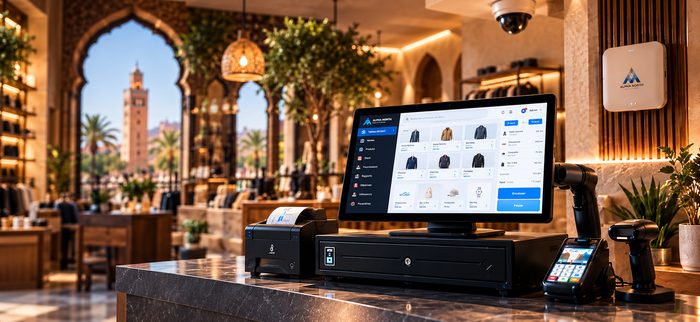
- Store chainsCentral management of several points of sale
- Restaurants & cafésRemote follow-up of several venues
- Mobile businessesMarkets, events, pop-up shops
- Multi-site companiesSeveral branches or shops
Your checkout,
wherever you are
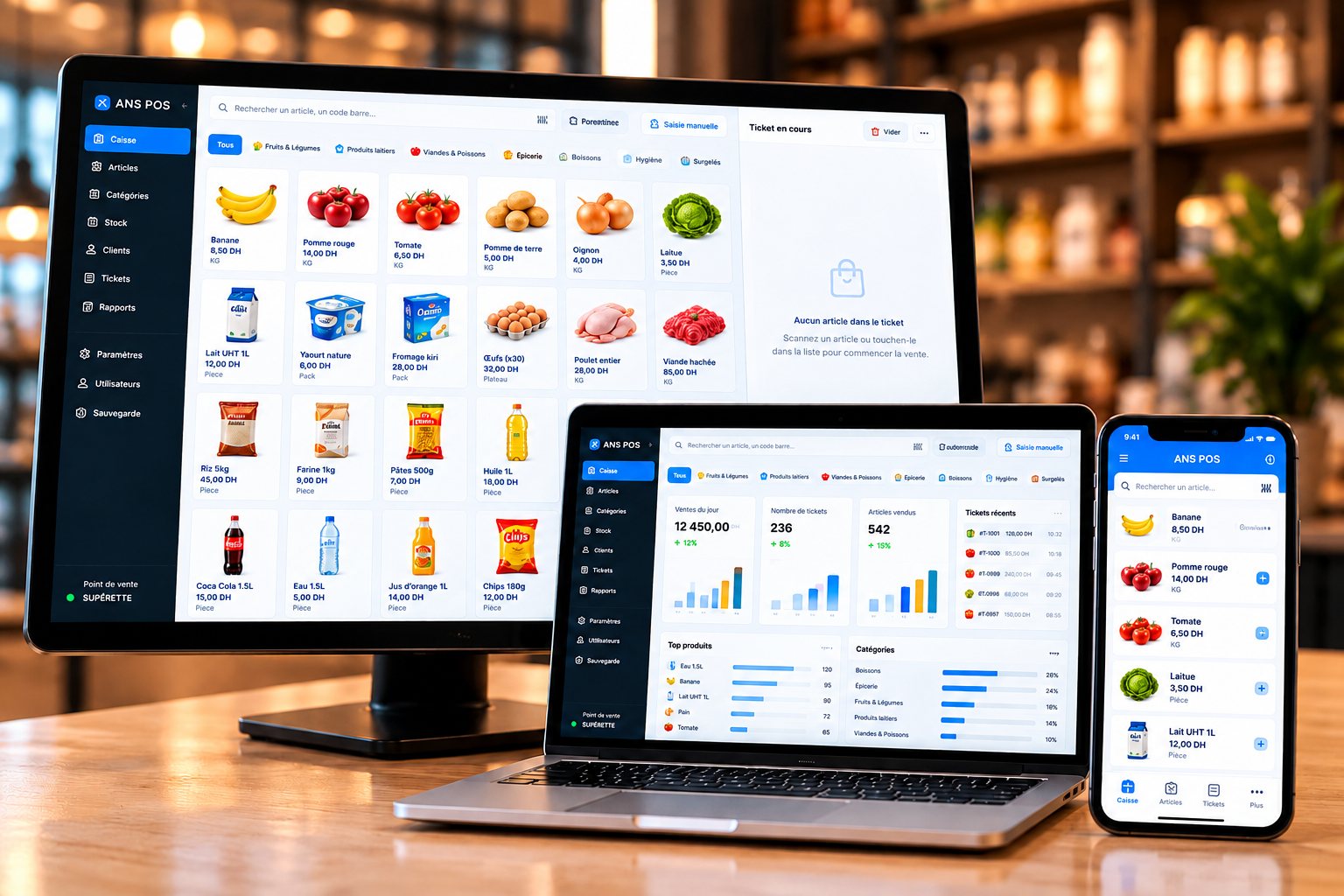
ANS POS Online is the cloud version of the software: open it from a browser on your checkout terminal, computer or phone, and follow your sales and stock wherever you are.
All your devices
Terminal, computer, tablet and mobile
Real time
Sales and stock up to date everywhere
Multi-site
Several points of sale, one view
Multi-user
Access suited to each employee
Built for
multi-site businesses
Manage all your points of sale from one place, without installing the software on every machine.
Accessible anywhere
From a browser, in the store or remotely.
Synchronised data
Your sales and stock update across all your points of sale.
Automatic backup
Your data is backed up automatically and kept secure.
Works with
your equipment
ANS POS Online is designed to work with common checkout equipment. An internet connection is required. We recommend the right hardware for you.
See our equipment- Touchscreen terminalsWindows
- Receipt printersEpson, etc.
- Barcode scannersUSB
- Cash drawersStandard
ANS POS Local or ANS POS Online
Both versions share the same interface and the same checkout features. They differ in how they are installed and used.
| Which version to choose? | ANS POS LocalDiscover | ANS POS OnlineThis version |
|---|---|---|
| Internet connection | Not required | Required |
| Installation | On the checkout terminal | Browser, on all your devices |
| Data access | From the checkout terminal | From anywhere |
| Several points of sale | Managed per terminal | Centralised multi-site management |
| Backup | Local backup | Automatic cloud backup |
| Ideal for | Stores, points of sale | Chains, multi-site, mobile businesses |
A simple, fast installation
- 1
Needs analysis
We study your business and recommend the best setup.
- 2
Installation
Software and hardware set up on site.
- 3
Training
Complete training for your team.
- 4
Ongoing support
Fast, local technical support.
Your questions, our answers
The online version is under development. Contact us to be informed of the launch or to discuss your needs.